 Pakistan
 UAE
UAE Sri Lanka

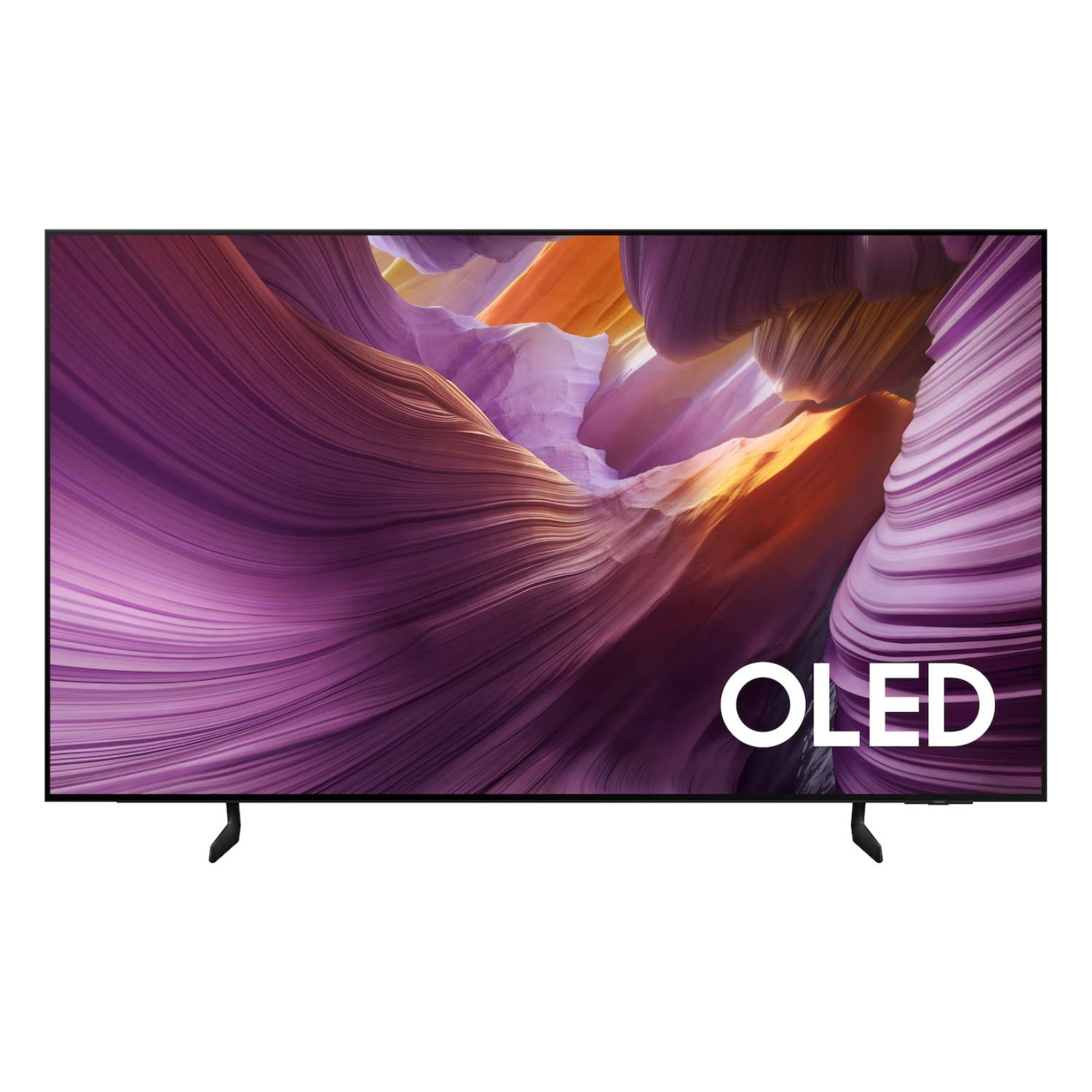
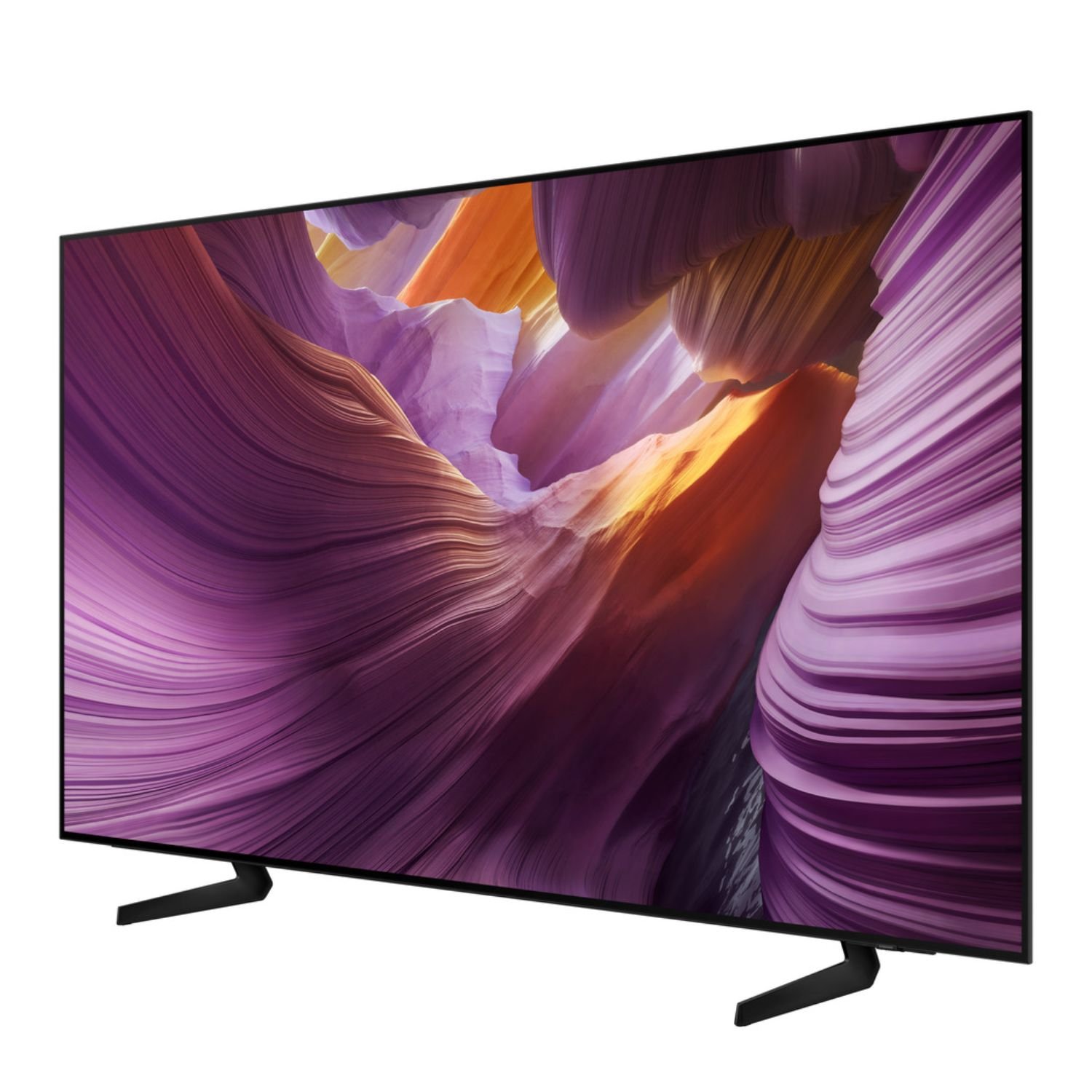







Enrich your experience with Samsung Vision AI


Key features at a glance


Enjoy a full range of authentic colors
PANTONE Validated
As a trusted symbol of color fidelity by industry experts, ‘PANTONE Validated’ certifies the accurate expression of 2,140 PANTONE colors and 110 newly-added skin tone shades. So you can be sure that you’re getting a rich, true-to-life viewing experience.


* PANTONE validation received based on HDR screen.


Deep blacks, clean whites and lively colors
OLED
Samsung’s unique OLED expresses deep blacks, clean whites and a full range of lively colors. With cutting-edge self-illuminating pixels, what you see is a picture that’s pure, bright and more accurate than ever before.


Sound


TV and soundbar play together in smooth harmony
Q-Symphony
Surround yourself with beautifully orchestrated sound. Samsung technology syncs the TV and soundbar audio to play simultaneously — without muting the speakers of either device.
* Check for Q-Symphony compatibility on soundbar product specifications.
** Soundbar sold separately.
*** The location and number of speakers may vary depending on the model.


Access free channels with Samsung TV Plus
Endless Free Content
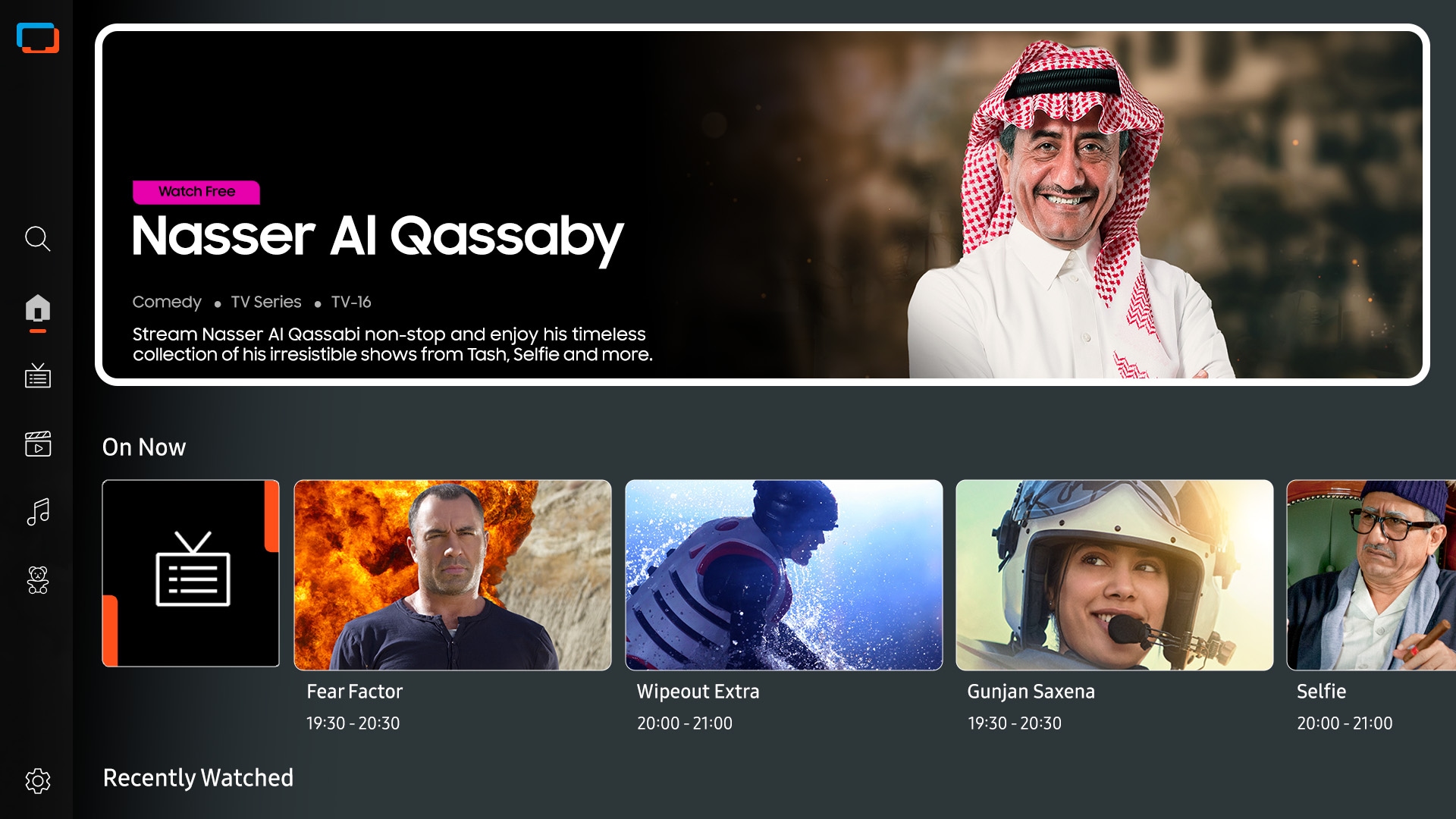
Access free channels, including Samsung TV Plus premium channels. Enjoy news, sports, movies, entertainment, music, kids’ shows and more. With new content continuously added, there’s always more to explore.


The best of TV. All for free.
Samsung TV Plus
Dive into a vast collection of shows, movies and other content on Samsung TV Plus. It comes moreover installed for free on your TV — no payment, subscription or setup required.
* Channels may vary by country and are subject to change moreover without notice.
** Supported Samsung devices may vary by moreover country.
*** Requires Samsung account.
**** UI is subject to change without prior notice.
***** Ads may appear on Samsung TV Plus.
****** Available for free on Samsung Smart TVs released since 2016.

Connect and manage your smart home devices, all from your TV
SmartThings
With a built-in smart hub, your TV can connect and control smart devices — even those requiring Matter and HCA compatibility. You can also get notifications about your devices straight from the screen, including a 3D Map View that shows your entire smart home system at a glance.


SmartThings


Contour Design
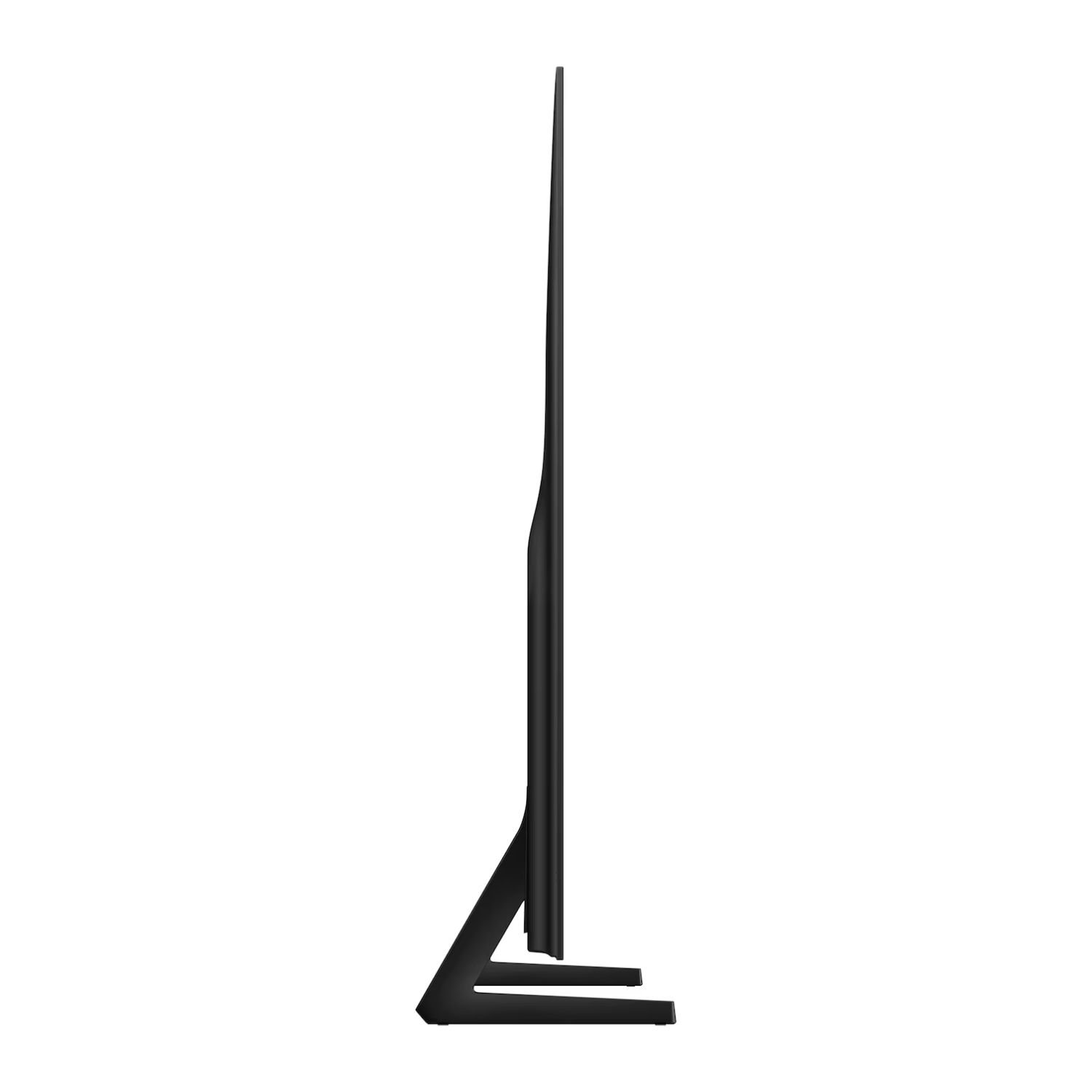
Contour Design features a sleek unibody that connects seamlessly from top to bottom. Its smooth flowing silhouette is reminiscent of a wave, and makes an elegant addition to any space.


Sustainability


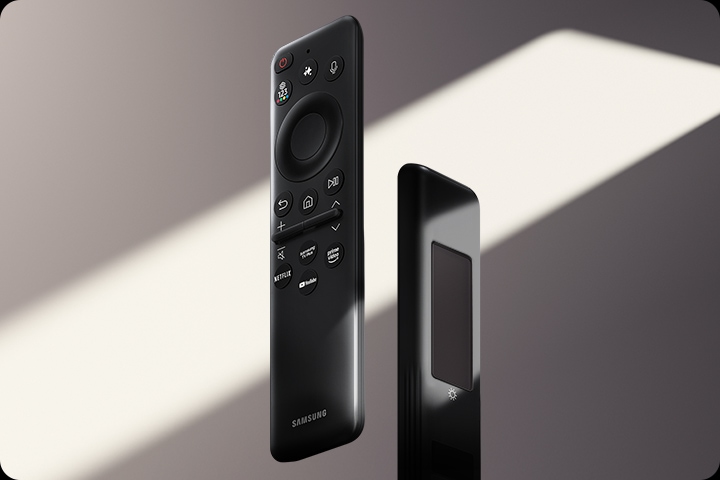
Charge it with light
SolarCell Remote
With a solar panel on its back, our SolarCell Remote is charged by light — no need for disposable batteries. And with smart features like a built-in microphone and voice assistant, this remote is innovative in more ways than one.
* To charge the remote with solar energy, set the TV remote down with the solar panel facing up. Place it in your living room while your lights are turned on, or you can place it near a window where it will soak in natural sunlight.
** In case the remote’s battery is depleted, you can charge it using a USB-C cable. To check the remaining battery level of the remote control, refer to the TV Menu (Settings > General & Privacy > Power & Energy Saving > Available Remote Battery).